November 25, 2026 · Guides
What Is Nidhi Software? Modules, Reports and What to Check
Nidhi software is a system built for Nidhi companies. It records members, deposits, loans, share capital and accounts, and produces the reports a Nidhi needs.
Because Nidhis have specific rules on members, deposits and loans, general accounting tools do not cover their daily needs.
Here is what it includes.
In this guide
Core modules
What it includes.
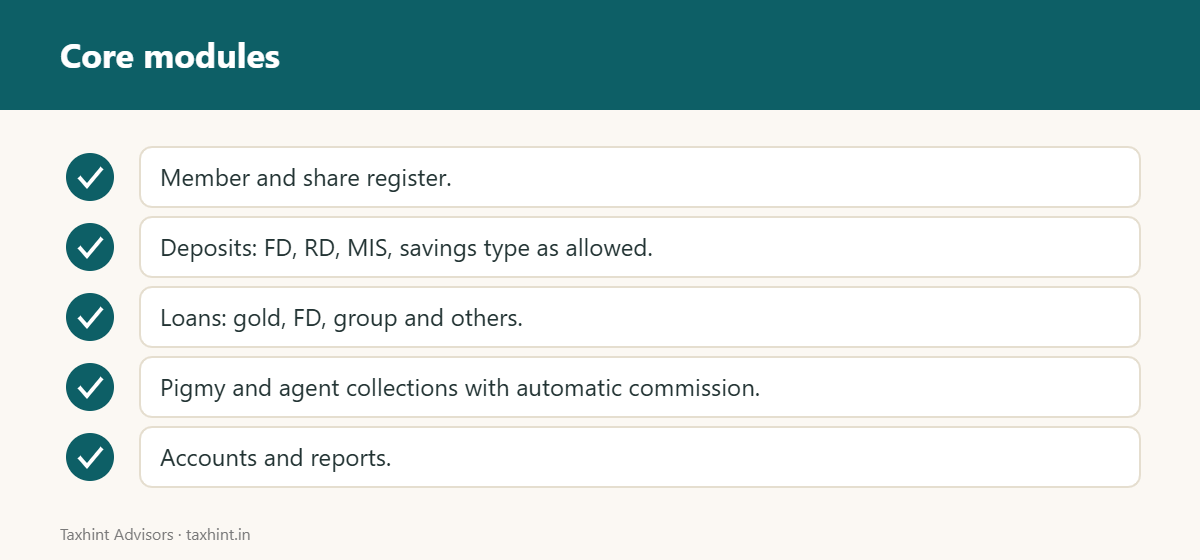
- Member and share register.
- Deposits: FD, RD, MIS, savings type as allowed.
- Loans: gold, FD, group and others.
- Pigmy and agent collections with automatic commission.
- Accounts and reports.
Compliance support
Tracking, not advice.
- Member count and NOF tracking. See member count tracking.
- Deposit and loan limits. See loan limits.
- UCRF bureau file where used.
Rules in this area are specific and change, so please verify the current position with your CA or CS.
What to check
Before you choose.
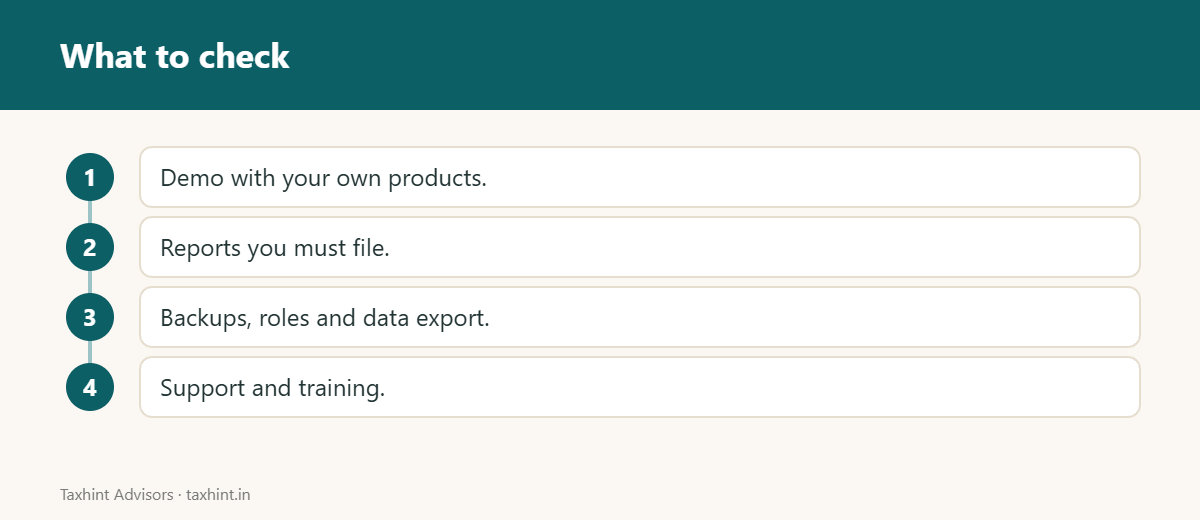
- Demo with your own products.
- Reports you must file.
- Backups, roles and data export.
- Support and training.
| Need | Check |
|---|---|
| Products | Covered |
| Reports | Match rules |
| Support | Available |
Questions people ask
What does Nidhi software do? It records members, deposits, loans and produces reports as per Nidhi needs.
Is it different from general accounting software? Yes, it handles member and deposit operations, not just books.
Can it ensure compliance? It supports compliance; the rules still need to be followed. Please verify with your CA or CS.
Practical tip
Test the software with five real cases from your Nidhi before you buy. Put it in your written procedure so that every new staff member follows it from the first day.
What to look for first
A Nidhi has members, deposits and loans under specific rules, so the software should be built around these, not just around accounts.
Ask for a demo with your own scenarios and check that the reports match what you must file. Please verify with your CA or CS.
- Member and share register
- Deposit and loan modules
- Regulatory report support
- Backup and user access
- Training and support terms
How a Nidhi uses the software every day
In a typical day the staff open member accounts, accept deposits, give loans within policy, record repayments and close the day. The software keeps these entries linked, so one change updates the related records.
At month end the management reviews reports and compares them with the books. Nidhi rules change from time to time. Please verify with your CA or CS.
- Morning: check opening balances
- Daytime: member, deposit and loan entries
- Evening: cash tally and day close
- Month end: reports for management
Questions to ask before you buy
Ask how reports are produced, who owns the data, how backups work and what happens when rules change. A good vendor answers in writing and lets you test with your own cases.
Also ask how many Nidhi companies the team has supported and what support hours apply, then confirm the answers by email.
- Who owns the data and can I export it
- How are updates delivered
- What training is included
- How fast is support
A quick buyer checklist
Before you decide, list your must have features, test them in a demo and note every answer in writing. Compare at least two options. Please verify with your CA, CS or lawyer.
- Member and deposit modules
- Loan module and reports
- Data export and backup
- Support and training
FAQs
Is Nidhi software different from accounting software?
Yes, it covers members, deposits and loans too.
Does it support group loans?
Taxhint Nidhi software does.
Does it calculate agent commission?
Yes, automatically for pigmy agents.
Does Taxhint offer it?
Yes, see Taxhint Nidhi software.
Want to see Nidhi software in action? Book a demo of Taxhint Nidhi software. Talk to Taxhint on +91 93117 95484 or [email protected], or visit taxhint.in.