November 25, 2026 · Guides
NBFC Software vs Loan Management Software: What Is the Difference?
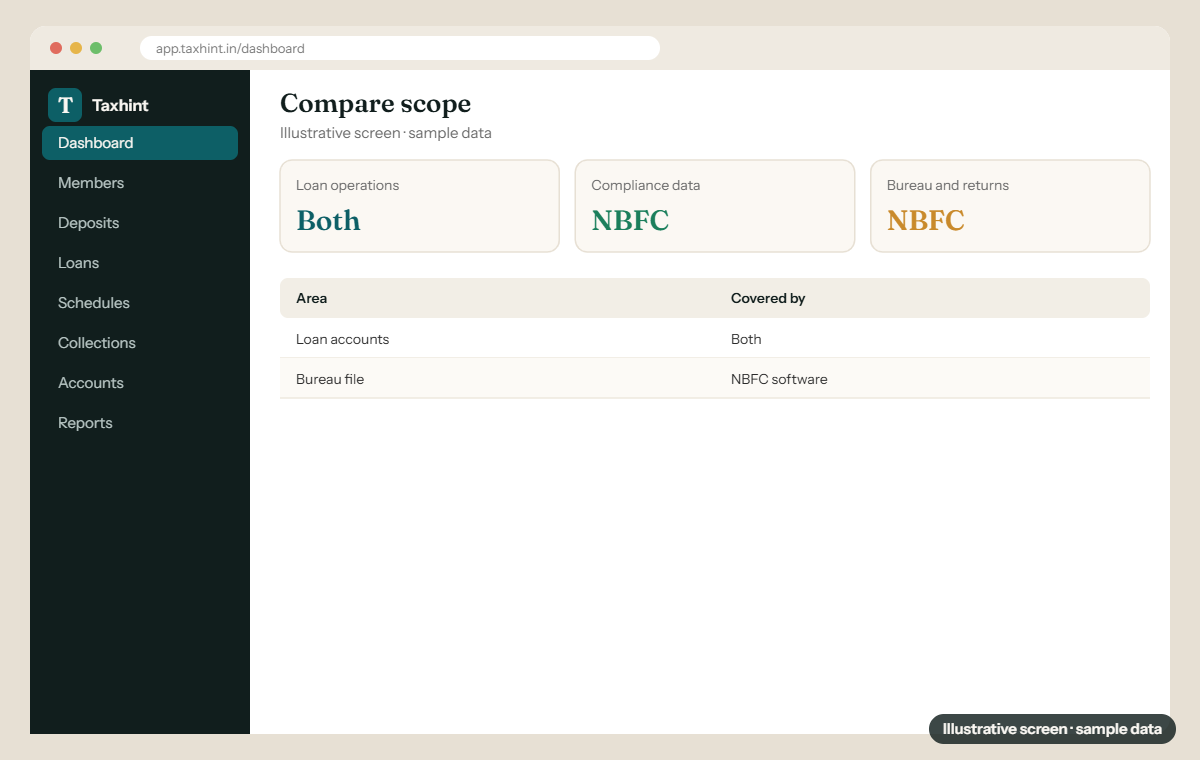
Loan management software handles loan accounts: schedules, receipts, overdue and statements. NBFC software includes that, and adds the compliance and reporting layer a regulated lender needs.
If you are unsure whether you need the extra, the entity you operate decides.
Here is the difference.
In this guide
Loan management
The operations core.
- Application, sanction and disbursal.
- Schedules, receipts and overdue.
- Statements and basic reports.
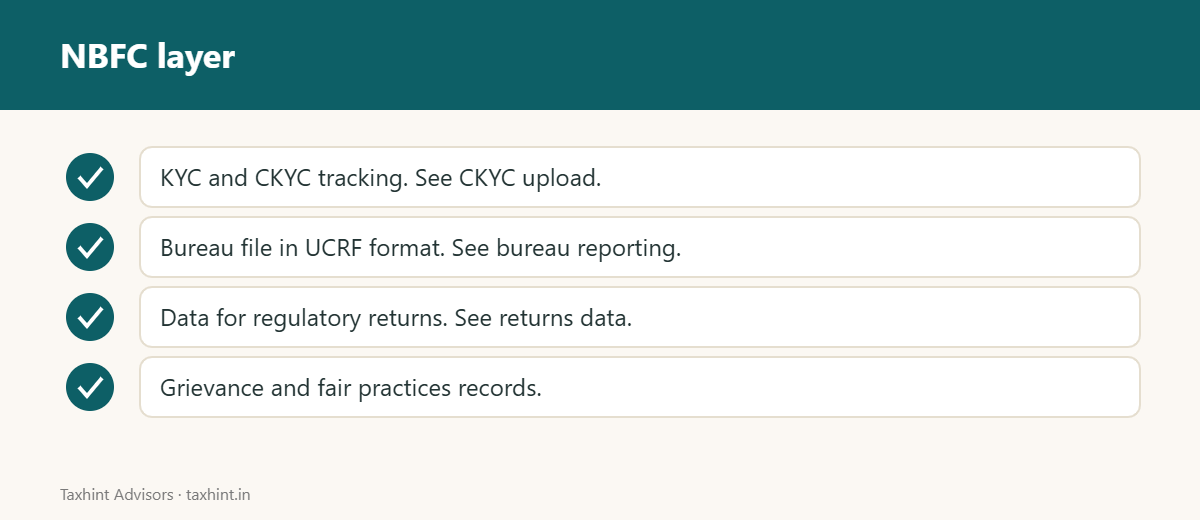
NBFC layer
Regulated lender needs.
- KYC and CKYC tracking. See CKYC upload.
- Bureau file in UCRF format. See bureau reporting.
- Data for regulatory returns. See returns data.
- Grievance and fair practices records.
Which to pick
Decide by entity.
- Regulated NBFC: choose software with the compliance layer.
- Smaller non-regulated lender: loan management may be enough.
- Check what your auditor and regulator expect. Please verify.
Rules differ by state and entity type, so please verify with your CA or CS before you decide. See NBFC software.
| Need | Better fit |
|---|---|
| Regulated NBFC | NBFC software |
| Small lender | Loan management |
| Bureau reporting | NBFC software |
Is there a real difference
Many vendors use the words NBFC software and loan management software for similar things. In practice, NBFC software usually adds regulatory reports, bureau reporting, classification support and governance features on top of basic loan management. A small private lender that is not regulated may need only the core loan features.
Illustrative example: a regulated NBFC needs reports for its returns and audits. A small lender with a few loans may only need schedules, collections and overdue tracking.
Questions to ask
- Which regulatory reports does it produce?
- Does it support bureau reporting and classification?
- Can it handle co-lending or partner models?
- How are audit trails kept?
- Can I add modules later?
Decision steps
- Check your registration and obligations.
- List the reports you must produce.
- Test five real cases in each demo.
- Check upgrade and support terms.
- Choose the lighter system only if you will not grow into the heavier one soon.
Points to confirm
- Your registration status and obligations; ask your CA.
- Please verify with your CA, CS or lawyer before you rely on it.
Avoiding mistakes
Do not choose on label alone. Ask to see the actual reports and settings. Write the answers down and decide with your team, not alone.
Check how updates are handled when rules change.
- See the reports
- Check updates
- Reference calls
A short vendor questionnaire
Send each vendor five questions: which reports for regulated lenders you produce, how you support bureau reporting, how you handle updates, what data export you allow and what training you give. Compare the written answers side by side. Write the answer down, give it an owner and review it every quarter.
- Reports
- Bureau reporting
- Updates
- Data export
- Training
Total effort, not just features
Count the effort of data migration, staff training, report set up and testing for each option. A system that fits well but takes a year to set up may not be the best for you now. Note the answers, name an owner and review them every quarter.
- Migration effort
- Training effort
- Report set up effort
FAQs
Is NBFC software just loan software with a new name?
It adds compliance and reporting for regulated lenders.
Can I upgrade later?
Choose a vendor that offers both on one platform.
Does Taxhint offer both?
Yes, Taxhint has loan management software and NBFC software.
What should I test?
Bureau file, KYC tracking and your reports.
Want to compare both in a demo? Book a demo of Taxhint NBFC software. Talk to Taxhint on +91 93117 95484 or [email protected], or visit taxhint.in.