November 25, 2026 · Guides
RBI Penal Charges Circular Explained for Lenders
The circular on penal charges deals with how lenders apply charges for non compliance with loan terms and how these are disclosed to customers. The text may be updated, so always read the current version.
This page is a checklist of topics without quoting numbers or limits. This is general information, not legal advice. Please read the current official text and verify with your CA, CS or lawyer.
In this guide
- What the circular is about
- Topics to look for
- Updating loan products
- Software settings to check
- Common gaps
- FAQ
What the circular is about
In simple terms, it asks lenders to treat penal charges as a matter of fair practice: they should be clear, disclosed up front and applied in a way that is consistent with the loan terms.
Illustrative example: a lender reviews each loan product agreement and checks how charges for late payment are written. It then checks that the system applies them exactly as written.
Topics to look for
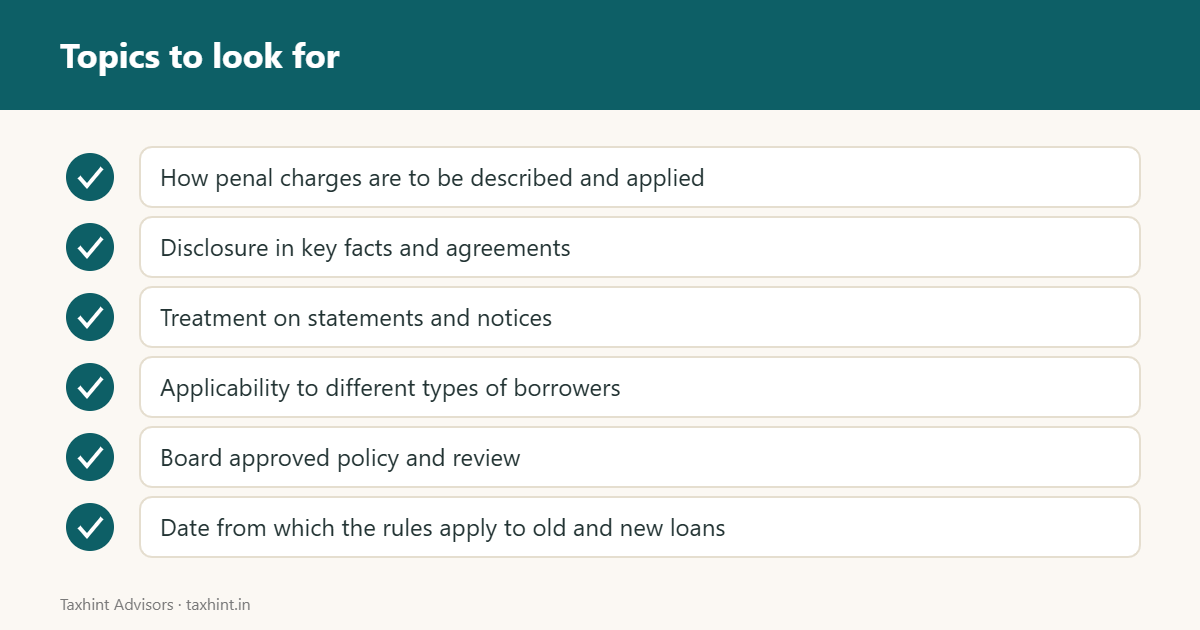
Mark which topics apply to your products and which do not.
- How penal charges are to be described and applied
- Disclosure in key facts and agreements
- Treatment on statements and notices
- Applicability to different types of borrowers
- Board approved policy and review
- Date from which the rules apply to old and new loans
Updating loan products
Keep a record of the date of each change and who approved it.
- List all products with penal charges.
- Compare each agreement with the current text.
- Update wording and system settings together.
- Test sample overdue accounts.
- Inform customers where required.
Software settings to check
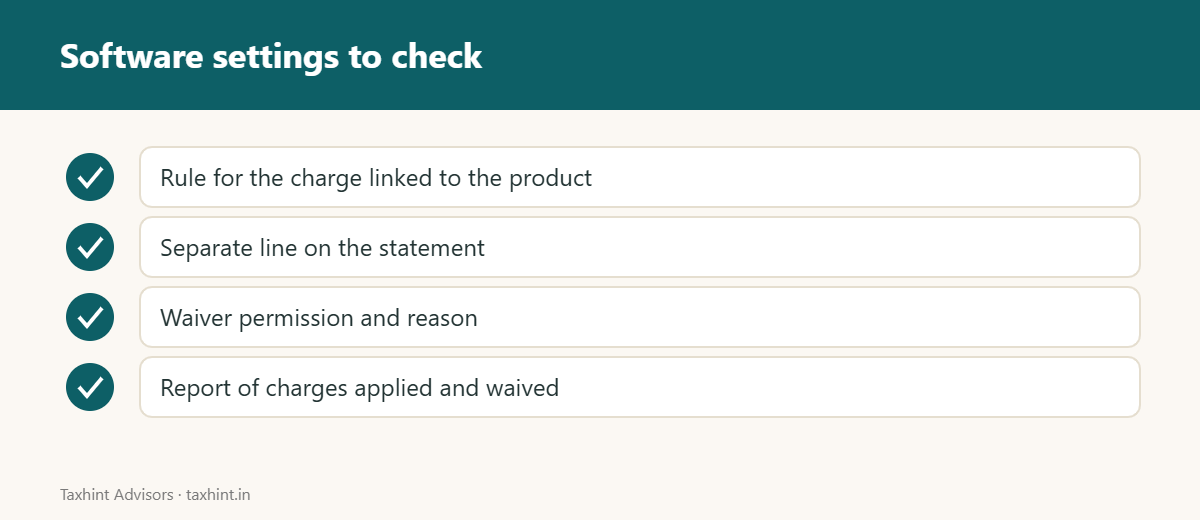
The system should apply what the agreement says and nothing else.
- Rule for the charge linked to the product
- Separate line on the statement
- Waiver permission and reason
- Report of charges applied and waived
Common gaps
See also: penal charges and loan software and fair practices code.
- Old agreements left unchanged
- Different practice at different branches
- Charges mixed into interest
- No review of waivers
Records to keep
Whatever the rule says, you should be able to show how you reviewed it. Keep a dated note of the text you read, the changes you found, the decisions taken and who approved them. If an auditor or inspector asks, these notes show that your process is real and current. For penal charges, this includes product agreements and the system settings that apply the charge.
- Copy of the current official text with the date you downloaded it
- Gap list with owner and due date
- Approval note from management or the board
- Evidence of training for staff
A yearly calendar for penal charges
Put the review on a fixed calendar so that it does not depend on memory. A short checklist each quarter is better than a long scramble once a year.
- Quarter one: read the current text and update the gap list.
- Quarter two: test system settings with sample cases.
- Quarter three: refresh staff training and review complaints.
- Quarter four: management review and approval of the updated policy.
Where to get help
If any part of the text is unclear, ask your CA, CS or lawyer to explain it in writing for your case. Taxhint Advisors can help with registration, compliance and software set up for lenders and societies. Contact: +91 93117 95484, [email protected], taxhint.in.
Frequently asked questions
Does this apply to all my loans?
It depends on the type of loan and lender, and on the dates stated in the text. Verify with your CA or lawyer.
Can I still charge for late payment?
Check the current text and your agreement. Charges must be clear and consistent.
Do I need to change my software?
Compare your settings with your updated agreement and fix any gap.
Where is the current text?
On the official website of the regulator. Use the latest version.
For a demo or questions, contact Taxhint: +91 93117 95484 · [email protected] · taxhint.in