November 25, 2026 · Guides
What Is a NACH Mandate? How Auto-Debit Works for EMIs
NACH stands for National Automated Clearing House. A NACH mandate is a borrower’s authorisation allowing a lender to debit their bank account on set dates for loan EMIs or other regular payments.
Once the mandate is active, the lender presents a debit on the due date and the bank pays it if the account has enough balance. The borrower does not have to remember to pay.
Here is how it works and where it goes wrong.
In this guide
- How a mandate is set up
- How a debit works
- Why debits fail
- What lenders should do
- Mandates in software
- FAQs
How a mandate is set up
Steps.
- Borrower signs a mandate form or completes an e-mandate online.
- Bank account details are verified.
- The mandate is registered with the bank.
- The lender sees it as active and can present debits.
How a debit works
Each month.
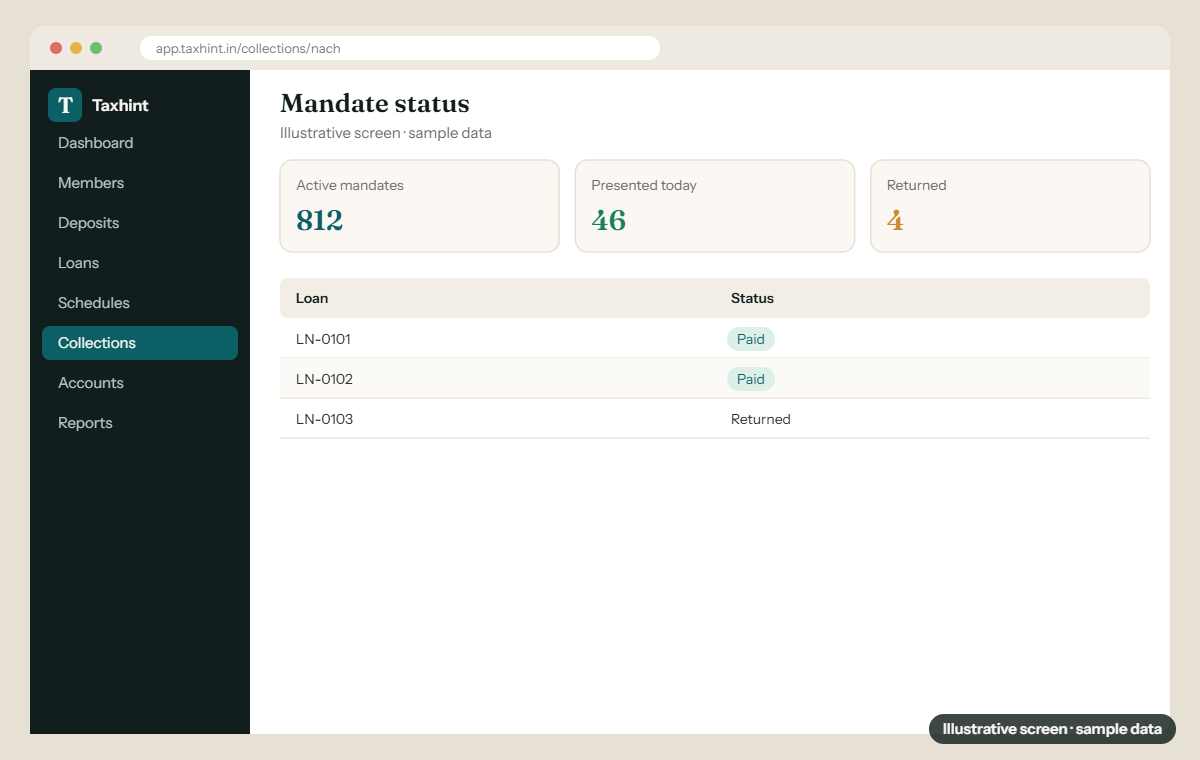
- Lender lists EMIs due and presents them before the due date.
- Bank debits the account if the balance is enough.
- Lender receives a response file with paid and returned items.
- Paid items are posted to loan accounts. See NACH collection guide.
Why debits fail
Common reasons.
- Insufficient balance in the account.
- Mandate expired or amount limit too low.
- Wrong account details or closed account.
- Borrower cancelled the mandate.
What lenders should do
Reduce returns.
- Set the mandate amount slightly above the EMI where policy allows.
- Remind borrowers before the due date.
- Handle returns the same day. See EMI bounce handling.
Mandates in software
What to look for.
- Mandate register with status, amount and end date.
- Presentation list and response file posting.
- Reconciliation with the bank credit.
- Alerts for expiring mandates.
See loan management software. Bank charges and rules vary, so please verify with your bank.
| Item | Check |
|---|---|
| Mandate amount | Covers EMI |
| End date | Beyond loan end |
| Account details | Verified |
| Returns | Handled same day |
A simple example
A customer signs a mandate that allows the lender to debit the EMI from their bank account on the fifth of every month. On the fifth, the lender sends the debit request and the bank pays if the account has enough balance. If not, the debit fails and the lender follows up.
Common misunderstandings
- A mandate does not guarantee payment; the balance must be there.
- A failed debit may mean a new mandate is needed.
- The customer can usually ask the bank to stop a mandate, so keep communication open.
Why it matters in daily work
Mandates reduce cash handling and missed dates, but only if they are registered correctly and tracked. Many bounces come from wrong amounts or closed accounts.
Quick checklist
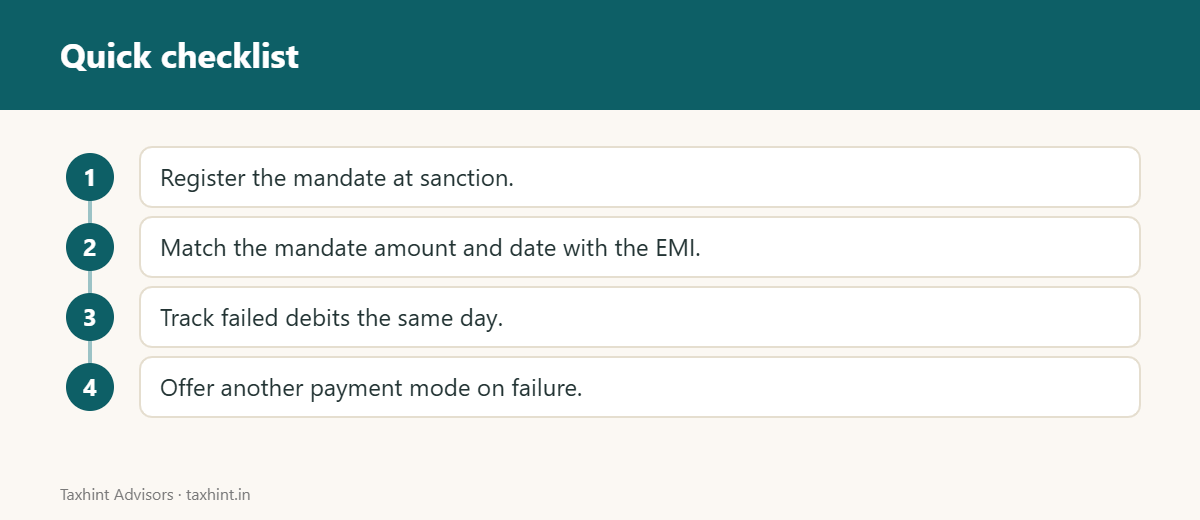
- Register the mandate at sanction.
- Match the mandate amount and date with the EMI.
- Track failed debits the same day.
- Offer another payment mode on failure.
Please verify with your CA, CS or lawyer before you rely on it.
Related terms to read next
A mandate is one part of the collection process. These guides show the rest of it.
- EMI bounce handling
- Loan repayment schedule
- NACH and eMandate collection guide
Practical tip
Send customers a message after the mandate is registered, stating the amount and the date of the first debit. Put it in your written procedure so that every new staff member follows it from the first day.
- Registration message
- Amount and date
- Contact number
FAQs
Is NACH the same as ECS?
NACH replaced the older ECS system for most uses.
Can a borrower cancel a mandate?
Yes, through the bank, which affects the loan. Check your agreement.
What is an e-mandate?
A mandate registered online instead of by paper form.
Does a returned debit cost money?
Banks and lenders may charge fees. Please verify.
Want mandates, presentations and returns in one view? Book a demo of Taxhint loan software. Talk to Taxhint on +91 93117 95484 or [email protected], or visit taxhint.in.